
Blog
Vape Not Working


IGET BAR PLUS POD (6000 PUFFS) Banana Ice
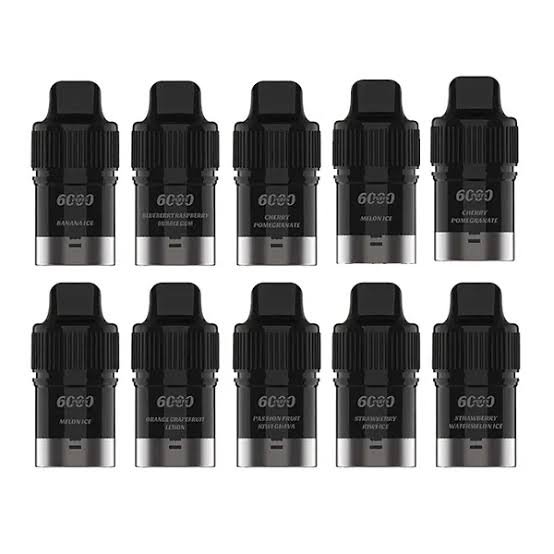
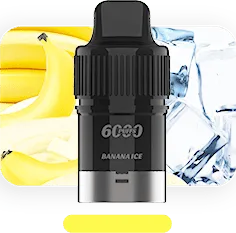
IGET BAR PLUS POD (6000 PUFFS) Banana Ice is a replacement pod featuring up to 6,000 puffs and a 1.4Ω mesh coil. This Banana Ice variant is clearly identified for easy comparison with other flavours in the range. Check the supplied packaging for the exact nicotine strength and product details before use.
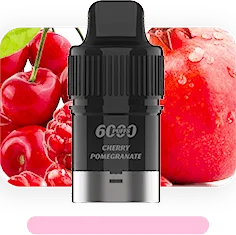
IGET BAR PLUS POD (6000 PUFFS) Cherry Pomegranate
IGET BAR PLUS POD (6000 PUFFS) Cherry Pomegranate is a replacement pod featuring up to 6,000 puffs and a 1.4Ω mesh coil. This Cherry Pomegranate variant is clearly identified for easy comparison with other flavours in the range. Check the supplied packaging for the exact nicotine strength and product details before use.
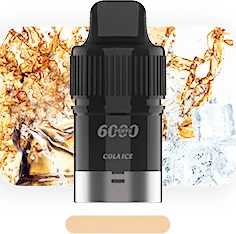
IGET BAR PLUS POD (6000 PUFFS) Cola Ice
IGET BAR PLUS POD (6000 PUFFS) Cola Ice is a replacement pod featuring up to 6,000 puffs and a 1.4Ω mesh coil. This Cola Ice variant is clearly identified for easy comparison with other flavours in the range. Check the supplied packaging for the exact nicotine strength and product details before use.
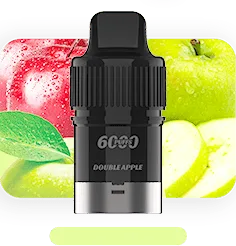
IGET BAR PLUS POD (6000 PUFFS) Double Apple
IGET BAR PLUS POD (6000 PUFFS) Double Apple is a replacement pod featuring up to 6,000 puffs and a 1.4Ω mesh coil. This Double Apple variant is clearly identified for easy comparison with other flavours in the range. Check the supplied packaging for the exact nicotine strength and product details before use.
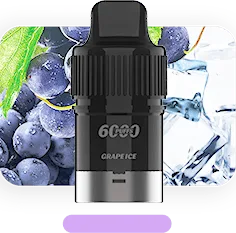
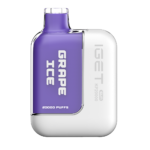
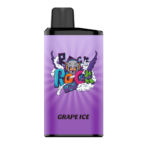
IGET BAR PLUS POD (6000 PUFFS) Grape Ice
IGET BAR PLUS POD (6000 PUFFS) Grape Ice is a replacement pod featuring up to 6,000 puffs and a 1.4Ω mesh coil. This Grape Ice variant is clearly identified for easy comparison with other flavours in the range. Check the supplied packaging for the exact nicotine strength and product details before use.
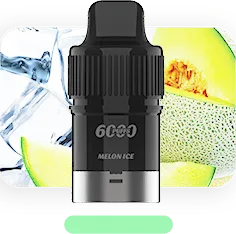
IGET BAR PLUS POD (6000 PUFFS) Melon Ice
IGET BAR PLUS POD (6000 PUFFS) Melon Ice is a replacement pod featuring up to 6,000 puffs and a 1.4Ω mesh coil. This Melon Ice variant is clearly identified for easy comparison with other flavours in the range. Check the supplied packaging for the exact nicotine strength and product details before use.
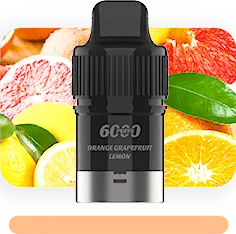
IGET BAR PLUS POD (6000 PUFFS) Orange Grapefruit Lemon
IGET BAR PLUS POD (6000 PUFFS) Orange Grapefruit Lemon is a replacement pod featuring up to 6,000 puffs and a 1.4Ω mesh coil. This Orange Grapefruit Lemon variant is clearly identified for easy comparison with other flavours in the range. Check the supplied packaging for the exact nicotine strength and product details before use.
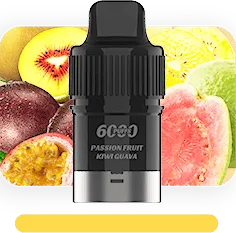
IGET BAR PLUS POD (6000 PUFFS) Passion Fruit Kiwi Guava
IGET BAR PLUS POD (6000 PUFFS) Passion Fruit Kiwi Guava is a replacement pod featuring up to 6,000 puffs and a 1.4Ω mesh coil. This Passion Fruit Kiwi Guava variant is clearly identified for easy comparison with other flavours in the range. Check the supplied packaging for the exact nicotine strength and product details before use.
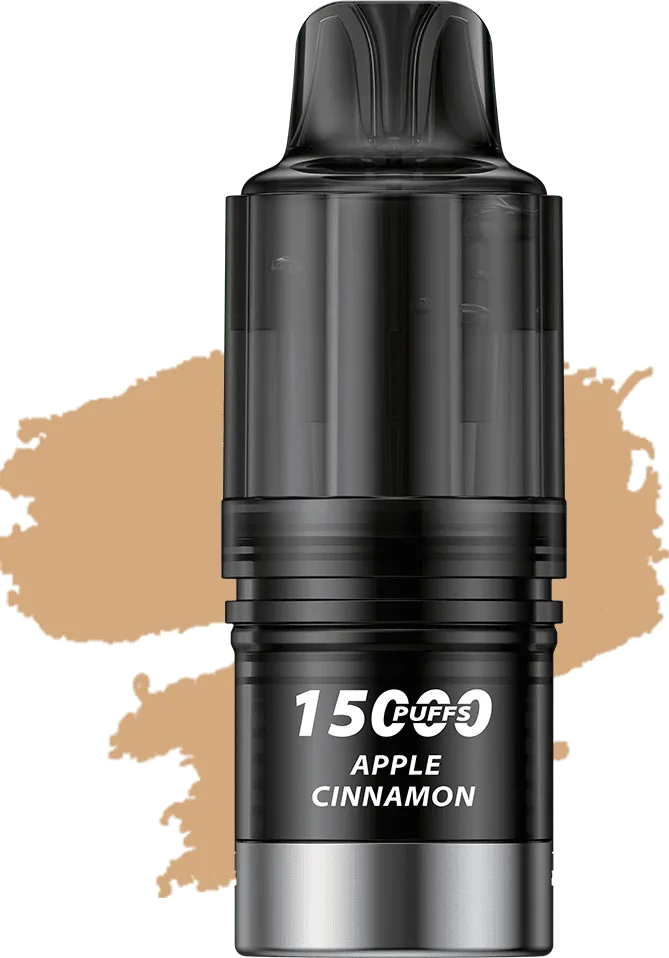
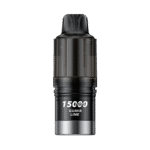
IGET BAR PLUS V4 POD (15000 PUFFS) Apple Cinnamon
IGET BAR PLUS V4 POD (15000 PUFFS) Apple Cinnamon is a replacement pod featuring up to 15,000 puffs and a 0.6Ω dual ceramic coil. This Apple Cinnamon variant is clearly identified for easy comparison with other flavours in the range. Check the supplied packaging for the exact nicotine strength and product details before use.
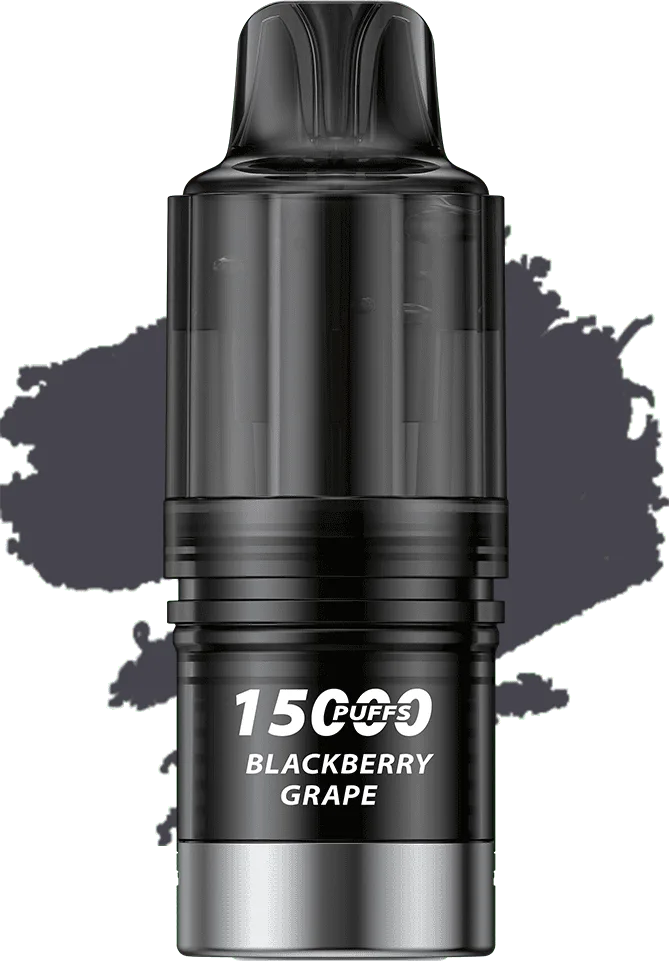
IGET BAR PLUS V4 POD (15000 PUFFS) Blackberry Grape
IGET BAR PLUS V4 POD (15000 PUFFS) Blackberry Grape is a replacement pod featuring up to 15,000 puffs and a 0.6Ω dual ceramic coil. This Blackberry Grape variant is clearly identified for easy comparison with other flavours in the range. Check the supplied packaging for the exact nicotine strength and product details before use.
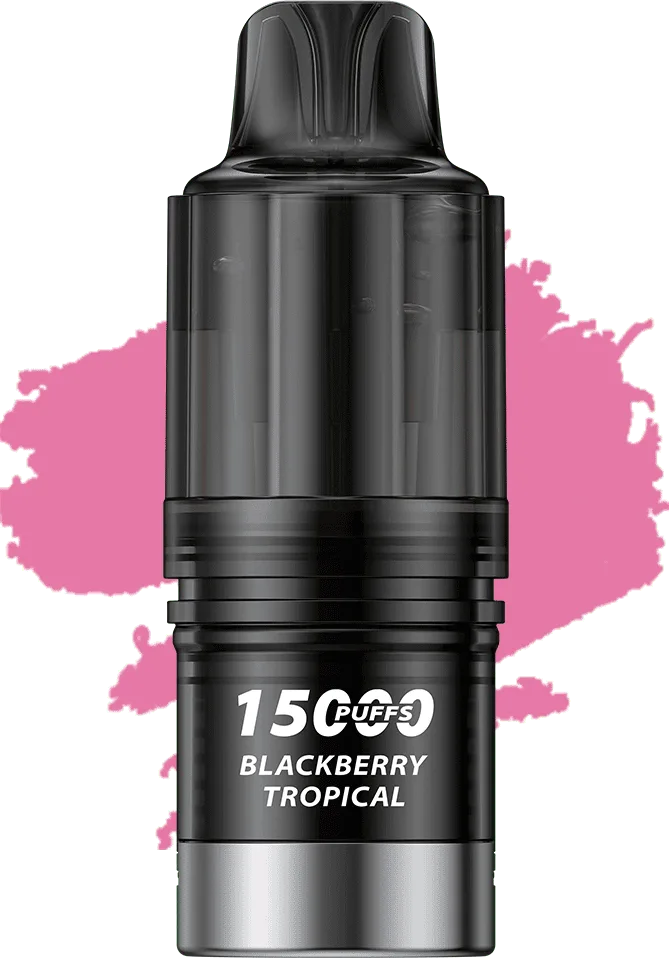
IGET BAR PLUS V4 POD (15000 PUFFS) Blackberry Tropical
IGET BAR PLUS V4 POD (15000 PUFFS) Blackberry Tropical is a replacement pod featuring up to 15,000 puffs and a 0.6Ω dual ceramic coil. This Blackberry Tropical variant is clearly identified for easy comparison with other flavours in the range. Check the supplied packaging for the exact nicotine strength and product details before use.
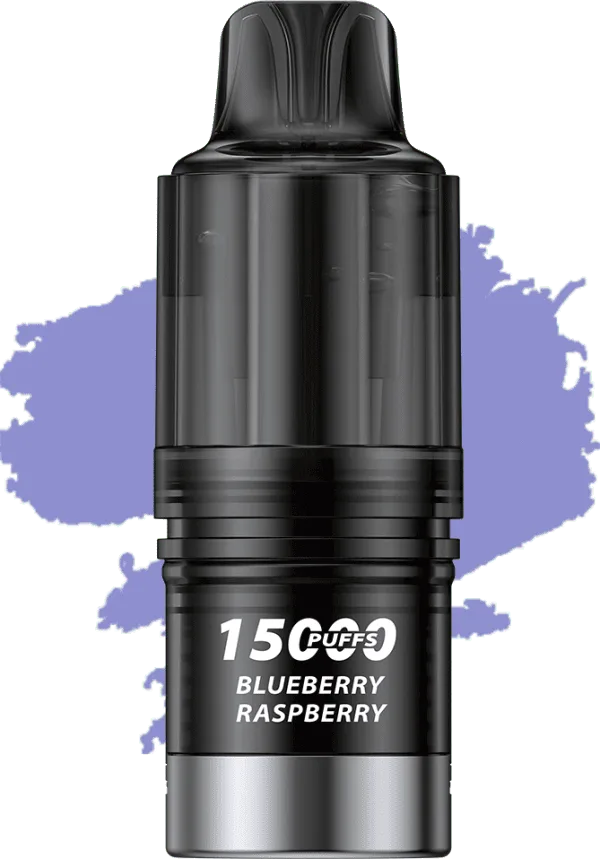
IGET BAR PLUS V4 POD (15000 PUFFS) Blueberry Raspberry
IGET BAR PLUS V4 POD (15000 PUFFS) Blueberry Raspberry is a replacement pod featuring up to 15,000 puffs and a 0.6Ω dual ceramic coil. This Blueberry Raspberry variant is clearly identified for easy comparison with other flavours in the range. Check the supplied packaging for the exact nicotine strength and product details before use.
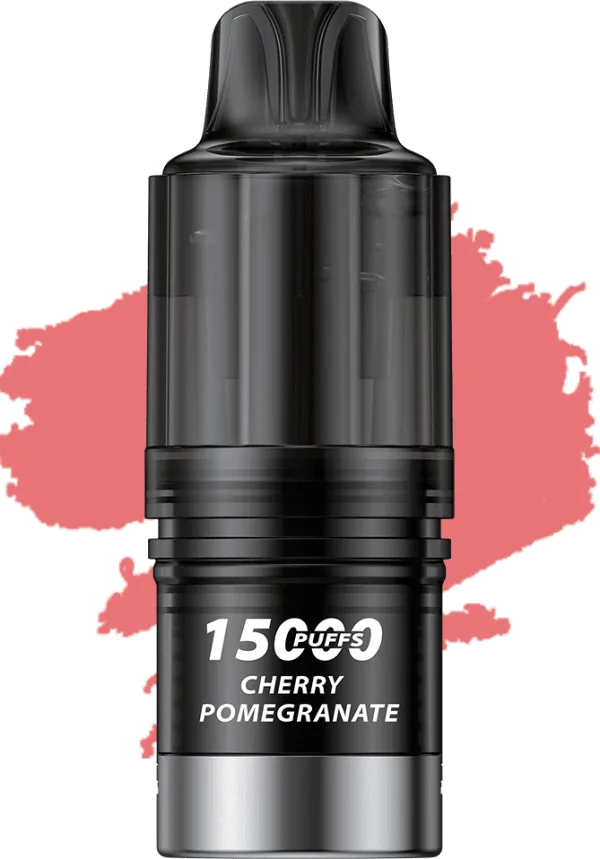
IGET BAR PLUS V4 POD (15000 PUFFS) Cherry Pomegranate
IGET BAR PLUS V4 POD (15000 PUFFS) Cherry Pomegranate is a replacement pod featuring up to 15,000 puffs and a 0.6Ω dual ceramic coil. This Cherry Pomegranate variant is clearly identified for easy comparison with other flavours in the range. Check the supplied packaging for the exact nicotine strength and product details before use.
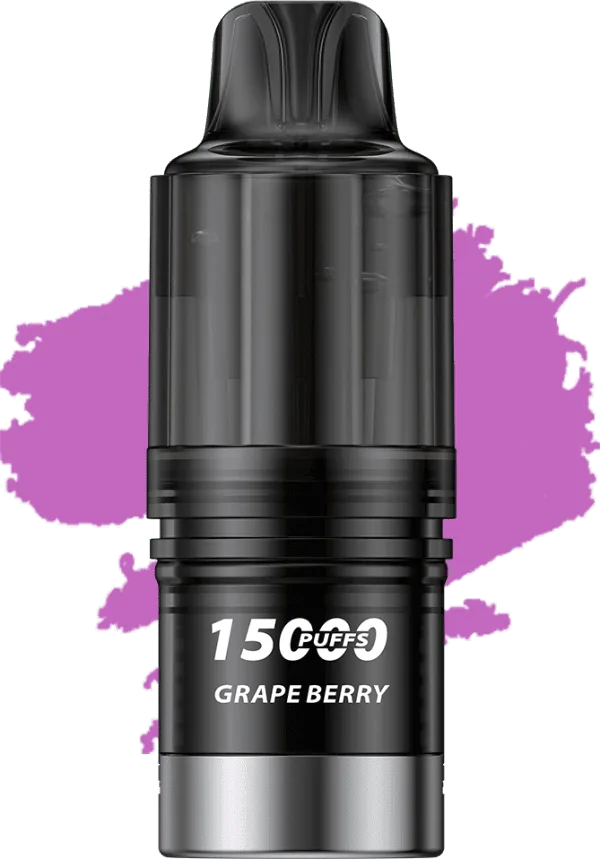
IGET BAR PLUS V4 POD (15000 PUFFS) Grape Berry
IGET BAR PLUS V4 POD (15000 PUFFS) Grape Berry is a replacement pod featuring up to 15,000 puffs and a 0.6Ω dual ceramic coil. This Grape Berry variant is clearly identified for easy comparison with other flavours in the range. Check the supplied packaging for the exact nicotine strength and product details before use.
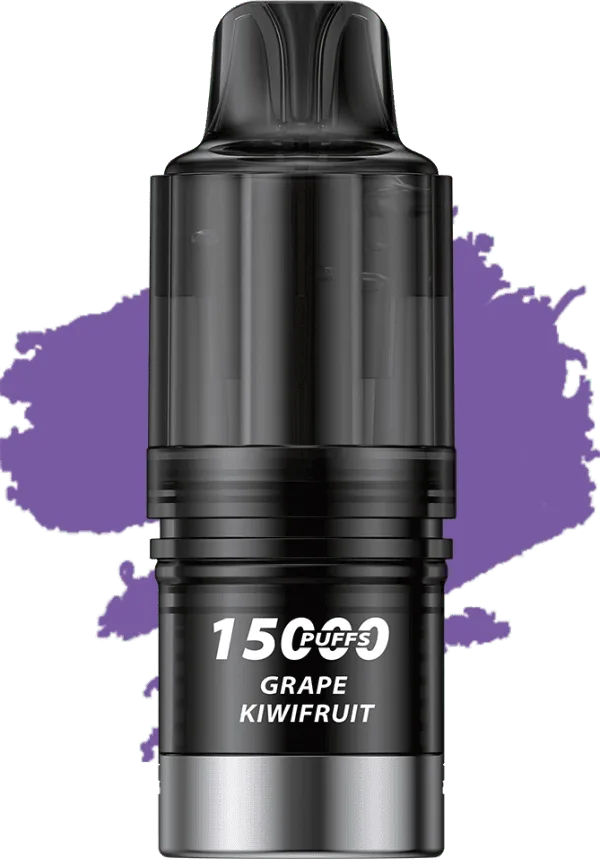
IGET BAR PLUS V4 POD (15000 PUFFS) Grape Kiwifruit
IGET BAR PLUS V4 POD (15000 PUFFS) Grape Kiwifruit is a replacement pod featuring up to 15,000 puffs and a 0.6Ω dual ceramic coil. This Grape Kiwifruit variant is clearly identified for easy comparison with other flavours in the range. Check the supplied packaging for the exact nicotine strength and product details before use.
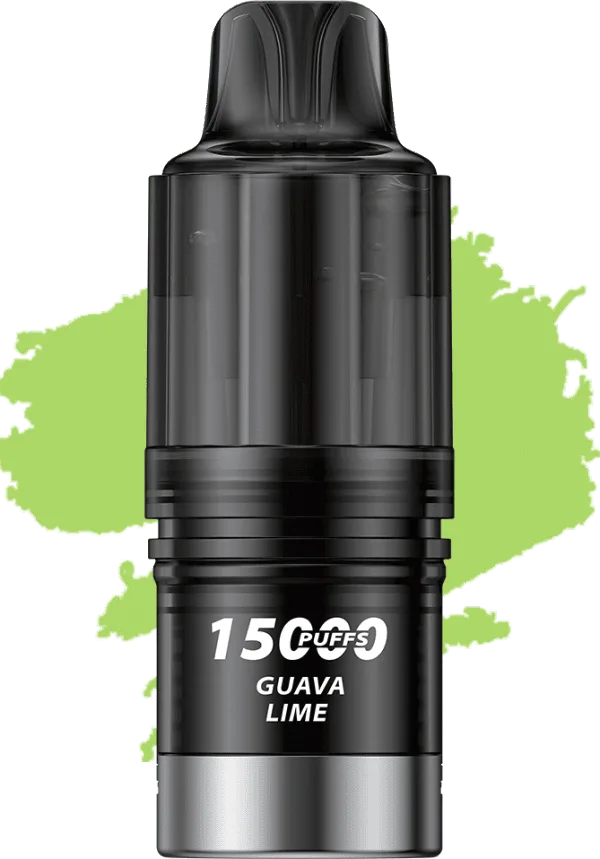
IGET BAR PLUS V4 POD (15000 PUFFS) Guava Lime
IGET BAR PLUS V4 POD (15000 PUFFS) Guava Lime is a replacement pod featuring up to 15,000 puffs and a 0.6Ω dual ceramic coil. This Guava Lime variant is clearly identified for easy comparison with other flavours in the range. Check the supplied packaging for the exact nicotine strength and product details before use.
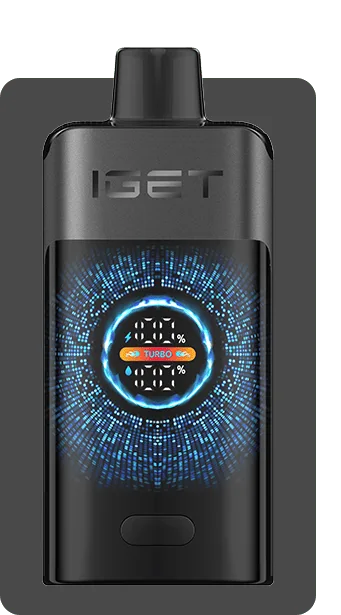
IGET ONE (12000 PUFFS) Black Forest
IGET ONE (12000 PUFFS) Black Forest is a high-capacity rechargeable vape featuring up to 12,000 puffs, a 2700mAh battery, and a 0.6Ω dual mesh coil. This Black Forest variant is clearly identified for easy comparison with other flavours in the range. Check the supplied packaging for the exact nicotine strength and product details before use.
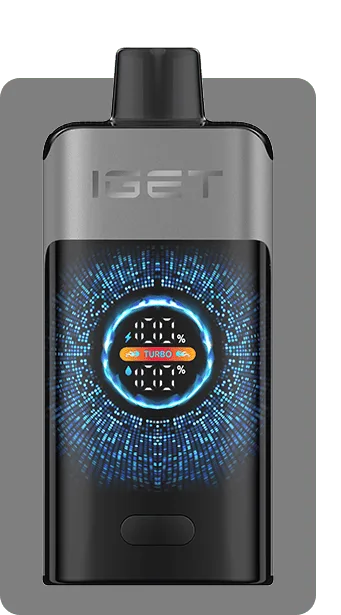
IGET ONE (12000 PUFFS) Blackberry Cherry Pomegranate
IGET ONE (12000 PUFFS) Blackberry Cherry Pomegranate is a high-capacity rechargeable vape featuring up to 12,000 puffs, a 2700mAh battery, and a 0.6Ω dual mesh coil. This Blackberry Cherry Pomegranate variant is clearly identified for easy comparison with other flavours in the range. Check the supplied packaging for the exact nicotine strength and product details before use.
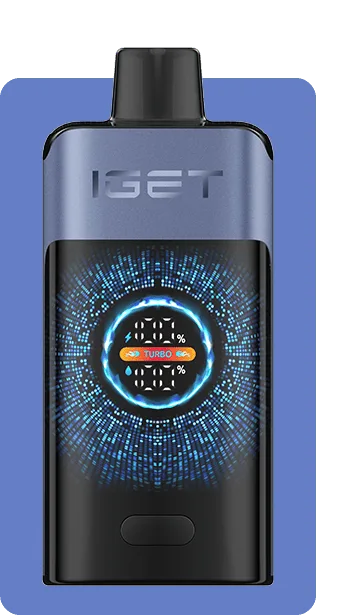
IGET ONE (12000 PUFFS) Blackberry Ice
IGET ONE (12000 PUFFS) Blackberry Ice is a high-capacity rechargeable vape featuring up to 12,000 puffs, a 2700mAh battery, and a 0.6Ω dual mesh coil. This Blackberry Ice variant is clearly identified for easy comparison with other flavours in the range. Check the supplied packaging for the exact nicotine strength and product details before use.
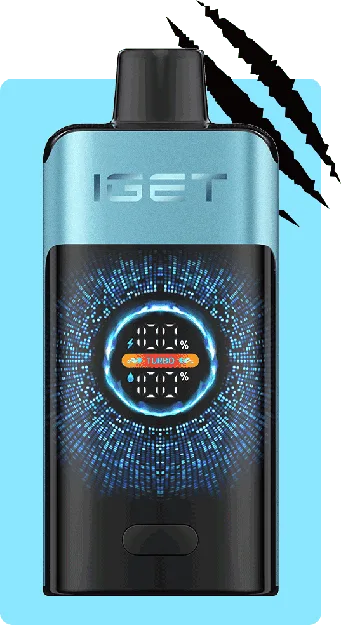
IGET ONE (12000 PUFFS) Blue Monster
IGET ONE (12000 PUFFS) Blue Monster is a high-capacity rechargeable vape featuring up to 12,000 puffs, a 2700mAh battery, and a 0.6Ω dual mesh coil. This Blue Monster variant is clearly identified for easy comparison with other flavours in the range. Check the supplied packaging for the exact nicotine strength and product details before use.